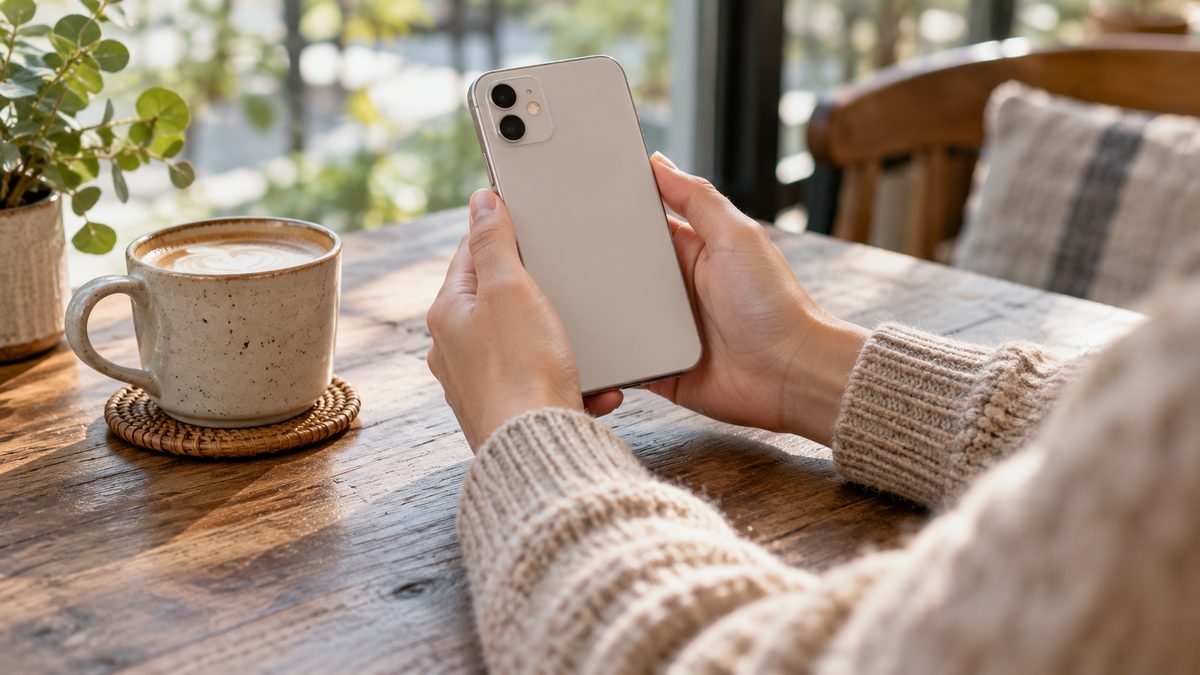
Phones turn a brief check into a longer task with very little warning. A reply becomes a document review, then a video, while your body stays in the same position. Better phone posture begins with recognising that change in task. You can then choose a position that suits what you are doing.
There is no need to keep your neck perfectly straight every time you look at a screen. Looking down is ordinary movement. Problems with comfort often arise when you remain in one awkward position or use unsupported arms for longer than expected. Aim for options rather than a rule that is difficult to follow.
Bring the screen closer to a useful viewing position
Lift the phone enough that you can read without a deep, sustained bend. You do not have to hold it directly at eye level. If your shoulders start lifting or your arms tire, lower the device slightly and find support for the forearms. A table, armrest or your lap with a cushion may help depending on the setting.
Increase text size instead of bringing your face closer to small print. Adjust brightness for the surroundings and reduce glare where practical. If reading remains difficult, consider an eye examination rather than assuming posture is the only issue. A comfortable viewing distance is one that lets you read without unnecessary strain.
Match the device to the size of the task
A phone is useful for a quick message, but a long report may be easier on a larger screen with a keyboard. Move substantial writing or editing to a supported workspace when one is available. This reduces prolonged thumb use and gives you more ways to position the screen and hands.
If the phone is your only device, break the work into smaller sections. Use voice typing or a headset when appropriate and check the result for accuracy. Privacy and your surroundings will affect which features are practical. The laptop posture guide offers related ideas when working with limited equipment.
Support a call without trapping the phone
Do not wedge the phone between your ear and shoulder while typing or cooking. Use a suitable headset or speaker mode if the setting permits. Keep the volume comfortable and remain aware of other people and traffic. A hands-free option should make the task easier without creating a safety distraction.
For video calls, place the phone on a stable surface where the camera and screen are accessible. Check that you can hear without leaning towards it. A stand can help, but avoid balancing the phone on an unstable stack. Leave charging cables where they will not pull the device off the table or create a trip.
Choose a different setup for each situation
| Situation | Comfort adjustment |
|---|---|
| Reading at a table | Prop the phone securely and rest the forearms. |
| Long voice call | Use an appropriate headset and change position. |
| Typing several paragraphs | Consider a larger device, voice input or shorter work blocks. |
| Scrolling on the sofa | Support the back and arms, then put the phone down between sections. |
| Standing on public transport | Prioritise balance and a secure handhold over screen use. |
Let safety override posture adjustments. Do not raise the phone in a way that blocks your view while walking. Stop in a safe place before reading an important message. Avoid phone use while driving, and follow local law. Comfort advice does not make a distracting activity safe.
Break the scrolling loop
Use natural stopping points: finish a message, reach the end of an article or complete a call. Put the device down and change position before starting the next task. This is easier to remember than checking the clock continuously. A notification setting or app limit may help if you repeatedly continue beyond what you intended.
When possible, stand, walk or look away from the screen while the phone is down. Keep the movement comfortable rather than stretching hard to compensate. The guide to sitting breaks helps connect those pauses with ordinary work. You can also switch between sitting and standing without making either position compulsory.
Make sofa and bedtime use less awkward
Lying on one side with the head twisted towards a small screen can become tiring. Change sides or sit with support if reading continues. Avoid resting the phone above your face where you might drop it. If you notice tingling in the hand or arm, put the device down and change the position.
For bedtime, consider whether the phone is delaying rest as well as making your neck uncomfortable. A brief screen-free transition may be more useful than a special pillow arrangement for scrolling. Read sleeping posture and pillows for support intended for rest, rather than stretching phone use further into the night.
Keep charging points convenient enough that a short cable does not dictate an awkward sitting position. If the battery is low, let the phone charge while you do something else instead of hovering over a socket. This is a small way to make a pause easier.
Respond to symptoms without fear of movement
The phrase tech neck can make normal neck motion sound harmful. The tech neck explanation puts the term in context. Seek advice when pain persists, spreads into an arm or comes with weakness or altered sensation. Avoid forceful self-manipulation or repeatedly testing painful movements.
New severe symptoms, an injury or a rapidly developing weakness need prompt assessment. For ordinary phone use, keep a few choices available: readable text, supported arms, shorter tasks and a place to put the device down. A comfortable routine should leave attention for your day rather than constant posture monitoring.