Tech neck describes discomfort people associate with long periods on phones, tablets or computers. The phrase can be useful shorthand, but it is not a medical diagnosis. It cannot tell you which tissues are involved, why pain began or how long symptoms will last.
Looking down is an ordinary movement. The practical issue is often spending a long time in one position while absorbed in a task. Rather than fearing every bend of your neck, look for ways to make viewing easier and give yourself more movement options.
Separate the label from your symptoms
A sore neck after a busy screen day does not prove the screen is the only cause. Sleep, workload, stress, previous injury and other health factors may also matter. A social media diagram cannot determine the cause of your pain or measure damage from head position.
Describe what you feel in plain terms. Notice the location, when it appears, which tasks bring it on and whether it changes after a break. This information can help a clinician more than deciding in advance that you have a particular posture condition.
Avoid treating a side view photograph as a diagnosis. People vary in shape and comfortable resting position. The aim of a useful workstation is manageable work with support and movement, not achieving a permanently straight line between your ear and shoulder.
Make phones easier to view
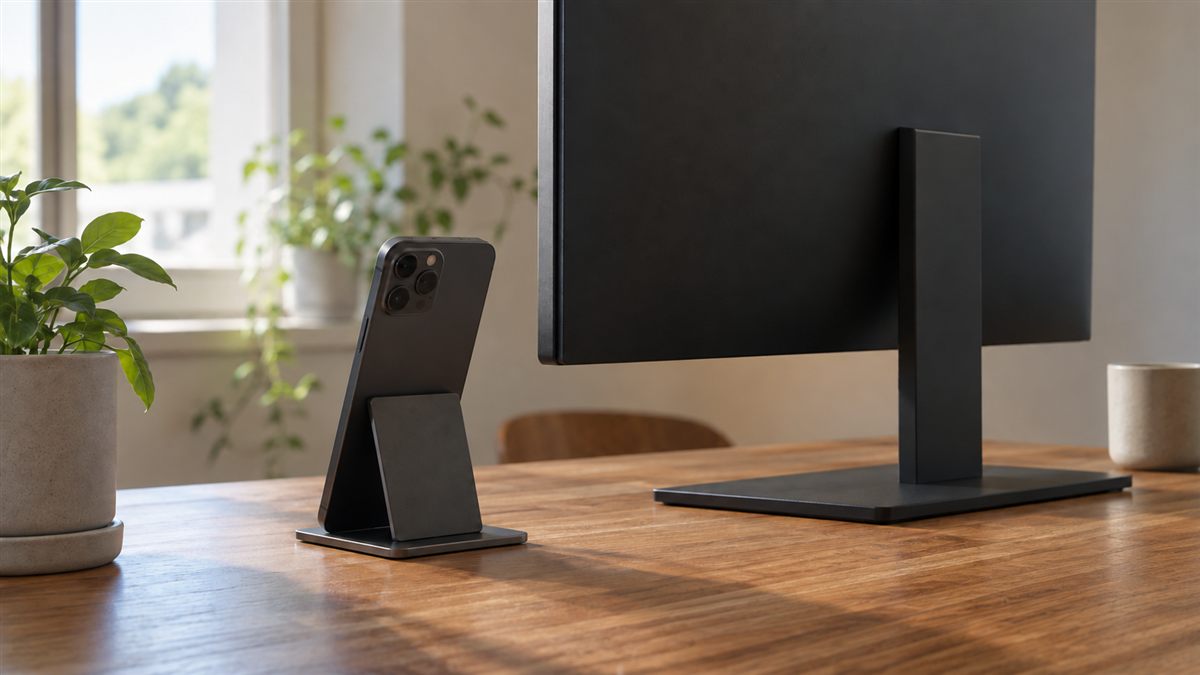
Bring your phone somewhat higher when reading, but support your elbows if your arms become tired. A pillow on your lap, a table or a stable phone stand may help in suitable situations. Holding the device at eye height with unsupported arms can create a different demand.
Increase text size so you do not need to bring your face close. Put long documents on a larger screen when possible. For calls, use a suitable headset or speaker setting rather than pinning the phone between your ear and shoulder.
Change hands and positions during ordinary use. Avoid walking through traffic, using stairs or crossing roads while reading a screen. A comfortable phone arrangement still needs attention to your surroundings. Our phone use posture guide considers these everyday situations in more detail.
Check computer demands
Keep the main display in front of you and make the content readable from your supported seat. If you wear progressive lenses, a lower screen may be more comfortable than one placed strictly at eye level. Your vision affects the arrangement.
Bring the keyboard and mouse close enough that your shoulders can relax. A screen in the correct place cannot compensate for typing with your arms stretched forwards. Review the whole arrangement using the desk ergonomics checklist rather than concentrating only on your head.
Laptops often keep the display below comfortable viewing height during longer tasks. A stand plus separate keyboard and mouse lets the screen move independently. Raising the laptop while continuing to type on it may simply move the effort into your shoulders and wrists.
A device habit checklist
- Choose readable text size before leaning towards the screen.
- Support your arms when holding a phone for longer reading.
- Keep the main computer task in front of you.
- Change position during natural pauses in the task.
- Use a headset rather than gripping a phone with your shoulder.
- Notice whether leisure screen time repeats the same position as work.
Choose the change that addresses your most frequent task. Someone reading on a train may benefit from a different approach than someone using three office monitors. A small, specific change is easier to evaluate than replacing every habit at once.
Use movement without chasing a correction
Leave screens for brief periods when you can. Walk to another room, look at something farther away or gently move your shoulders. You do not need to stretch aggressively every time your neck feels stiff. Small comfortable movements can be enough for a pause.
The upper back and neck movement guide offers gentle options. Stay within comfortable limits and avoid pulling your head with your hands. Stop for dizziness, sharp pain, tingling or symptoms that spread into your arm.
Strength and general activity may be part of individual advice, but an online list cannot prescribe the right plan for everyone. Start at a manageable level and ask a physiotherapist for guidance when symptoms, injury or health conditions make the choice uncertain.
Consider the length of the activity as well as its position. Reading one short message differs from spending an evening on a small display. You might move a lengthy article to a larger screen, use audio when suitable or set the device down between tasks. These choices change the demand without making ordinary neck bending something you need to avoid.
Know when device advice is insufficient
If neck discomfort persists, worsens or keeps returning despite reasonable changes, arrange professional assessment. New arm weakness, numbness or problems with coordination deserve prompt attention. Severe pain after a fall or collision also needs urgent evaluation rather than a new screen position.
Be cautious about products promising to restore a normal curve or permanently correct your neck. Those claims can encourage you to interpret normal movement as dangerous. Equipment may provide a useful viewing option, but it cannot establish a diagnosis or guarantee recovery.
Review your habits without blaming yourself for symptoms. You can make screen time more comfortable while acknowledging that pain is more complex than one posture. Keep notes about meaningful changes and share them with a clinician if you need help, rather than continually checking your reflection for an ideal shape.